
Find something worth watching
Search movies, series and cast, browse by genre, then narrow it down by year, country, studio or rating.
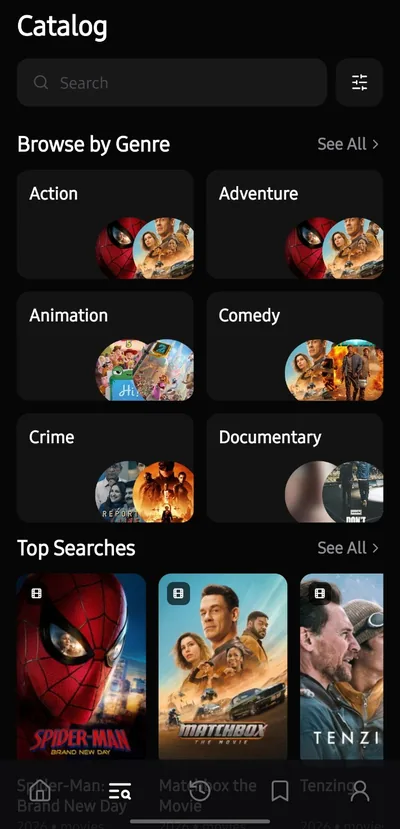
Browse movies and series, keep a library that’s yours, and pick up right where you stopped.
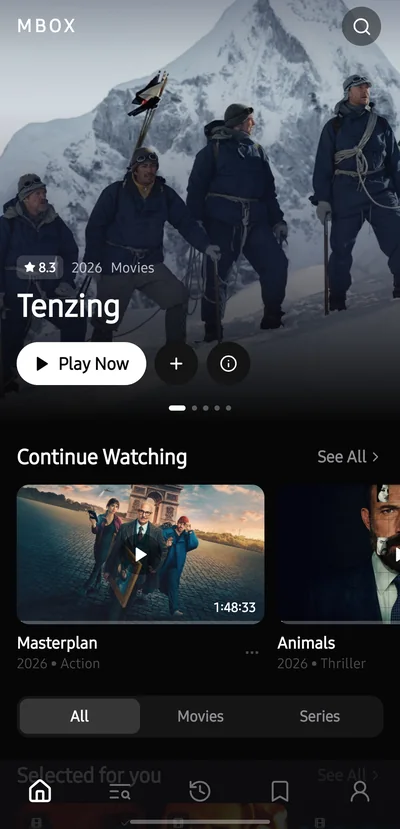
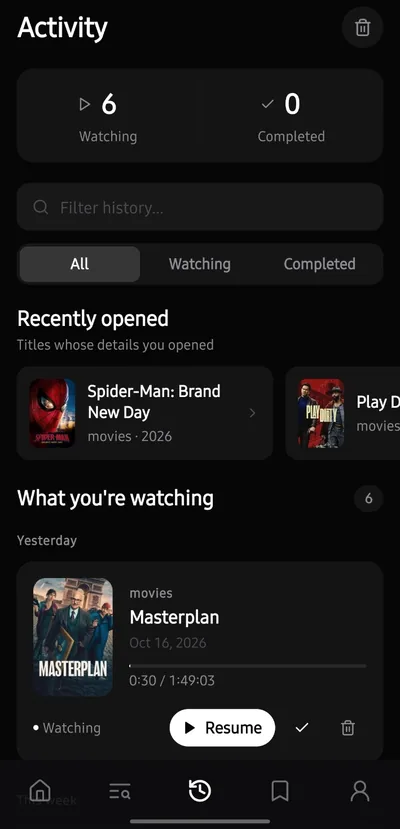
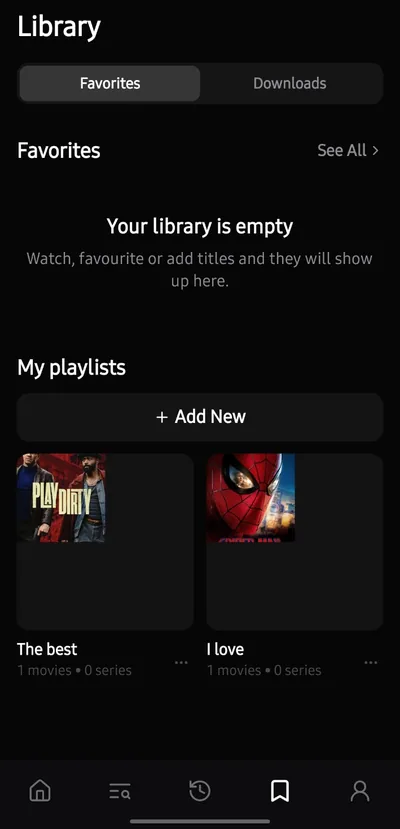
A clean, cinematic interface that keeps everything you watch easy to find and your personal lists close at hand.
Search movies, series and cast, browse by genre, then narrow it down by year, country, studio or rating.
Save favorites, build playlists and pin the ones you open most. Must-Watch is built from what you watch and like.
Choose from the sources that are available and switch servers any time. Supported streams adapt their quality as you watch, and you control audio, speed and aspect ratio.
Search subtitles in your language, set size, color and background, and fix the timing when a track is off. Try the controls.
Subtitles, the way you like them.
SyncedSubtitles ahead of the dialogue? Tap Show later.
Continue Watching keeps your place in every title. Activity shows what you’re watching, what you’ve finished and how your week looked.
Download compatible movies and episodes in the quality you choose. Pause and resume any time, or limit downloads to Wi-Fi. Needs Android 10 or newer.
Trailers, cast and crew, seasons and episodes, ratings, and where to watch, all on each title’s page.
Sign in with Google or email to sync favorites, playlists and activity across devices. Prefer not to? Continue as a guest and just watch.
MBOX comes in English, Français, Español and العربية, with a full right-to-left layout in Arabic.
Pick dark, light or follow your device, choose an accent color and switch language. MBOX remembers your choices, and so does this page.
Download the APK that matches your device, then install it manually.
Not sure which to pick? Choose ARM64-v8a. It fits most modern Android phones.
On a computer? Send the file to your Android device, or open this page on it.
Because MBOX doesn’t come from an app store, Android shows its standard warning for APK files. Only install files you downloaded from this page.
Yes, MBOX is free to install. Short ads help support it. A rewarded ad may appear before you watch, at most once every 2 hours, and a short ad may appear about every 10 minutes of browsing. Ads never play during video. 4K servers and downloads ask for one short rewarded ad to unlock, and free accounts include 20 new downloads each month.
ARM64-v8a fits most modern Android phones. armeabi-v7a is for older 32-bit devices. If you’re not sure, start with ARM64-v8a.
Open the downloaded APK. The first time, Android asks you to allow installs from your browser or file manager. Allow it, tap Install, then open MBOX.
Android warns about any app installed from an APK file instead of an app store. Only install files you downloaded from this page.
No. You can browse and watch as a guest. Sign in with Google or email to sync favorites, playlists and activity across devices. You’ll need to verify your email before saving to your library.
Choose Download on a movie or episode, pick a server and quality, and MBOX saves a video file to your Downloads folder. It needs Android 10 or newer. Some sources, such as encrypted streams, can’t be downloaded, and subtitles aren’t included in offline files.
Not yet. MBOX is currently available for Android phones and tablets.